
Table Of Contents
GCash and Maya cover most 1xBet payments in the Philippines. This guide shows where the cashier sits in the 1xBet app, how to deposit and withdraw in PHP, and how to fix common problems. New here? Register first, then use the same methods in the 1xBet casino.
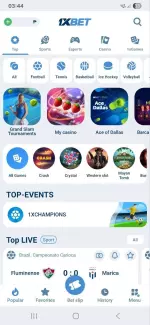
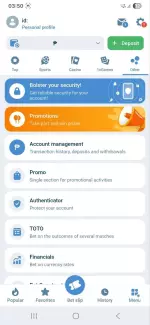
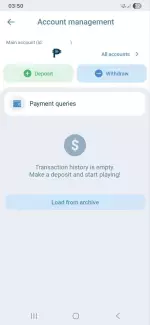
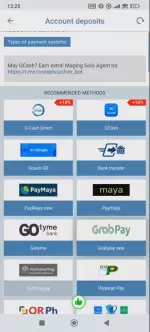
App Navigation Map
Tap Menu in the bottom bar, then Account Management. You will see Deposit (green plus) and Withdraw (blue minus). Transaction history is in the same place and shows a reference number, time, amount, method and status. Screenshot these details, support often asks for them.
Deposit Guide
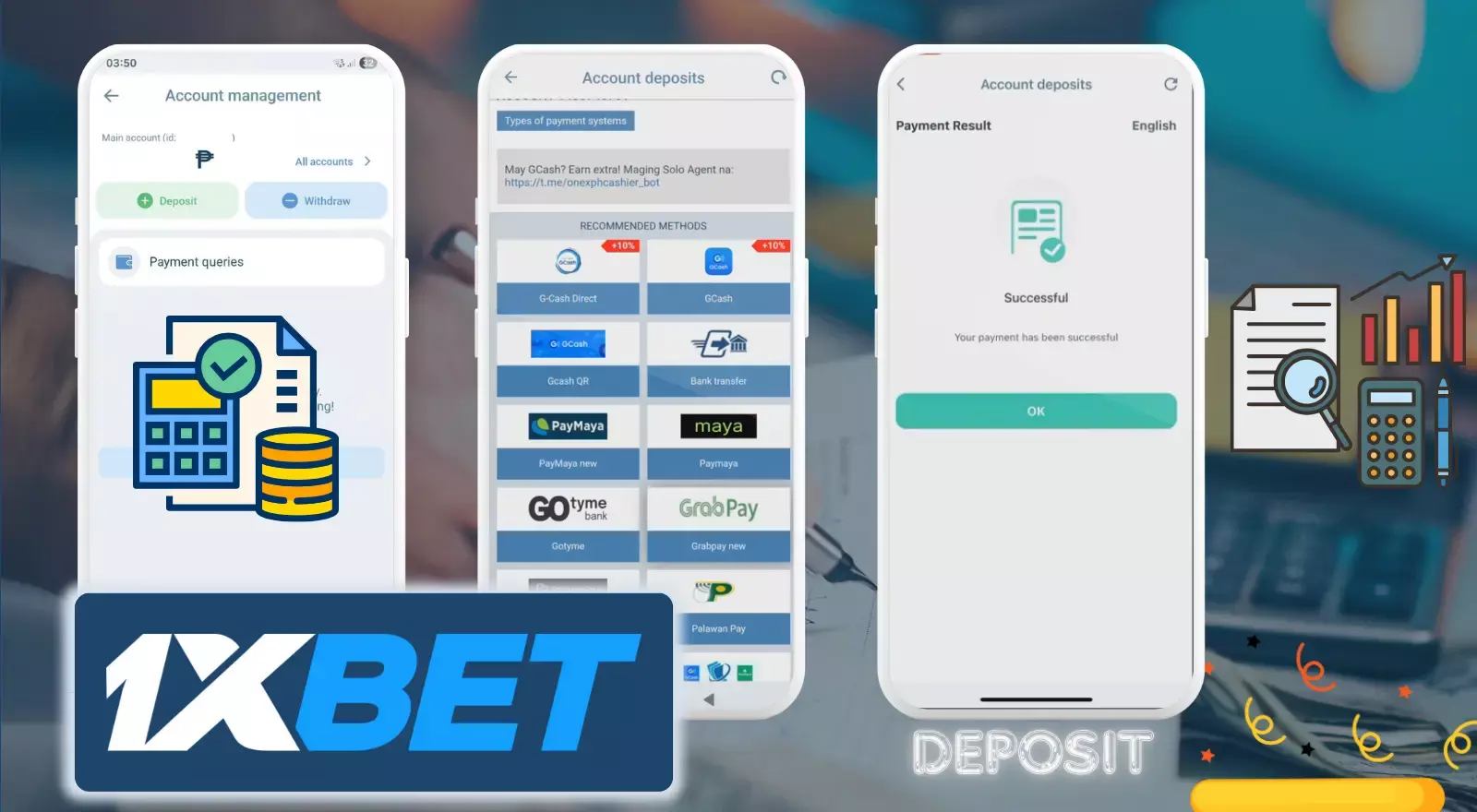
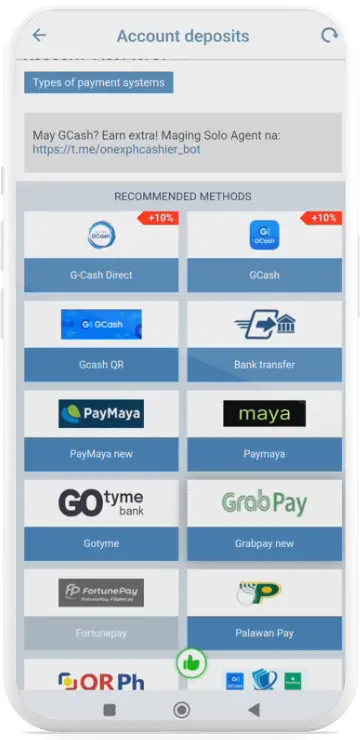
- Open Deposit. Menu, Account Management, Deposit. Choose GCash or Maya.
- Enter the amount. Min. ₱100, max. ₱50,000 for most methods, in PHP. Add a promo code now if you have one.
- Confirm. Tap Deposit and approve in your GCash or Maya app with PIN or biometrics. Keep the app open.
- Save proof. Take a screenshot of the confirmation with the reference number.
- Check your balance. Funds usually arrive within seconds, at most a few minutes. If not, check Transaction History.
Withdrawal Guide
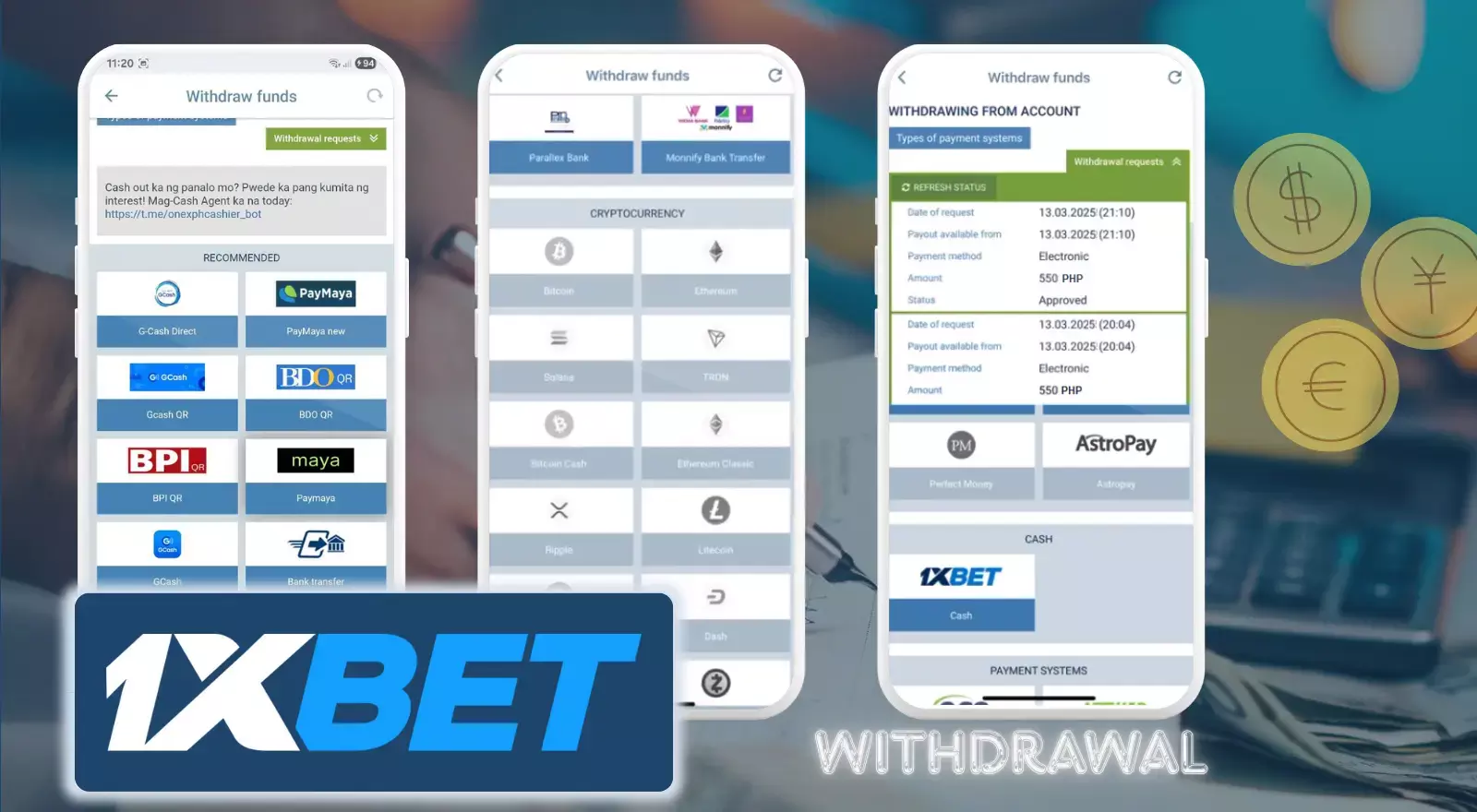
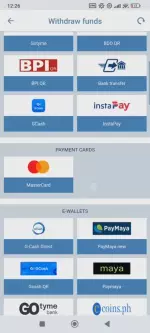
- Open Withdraw. Menu, Account Management, Withdraw. Choose GCash or Maya.
- Add your details (first time). The number must match your verified ID and e-wallet.
- Enter the amount. Min. ₱100 for GCash and Maya, max. ₱50,000. Locked bonus funds cannot be withdrawn.
- Confirm. Tap Request Withdrawal and enter your 1xBet password.
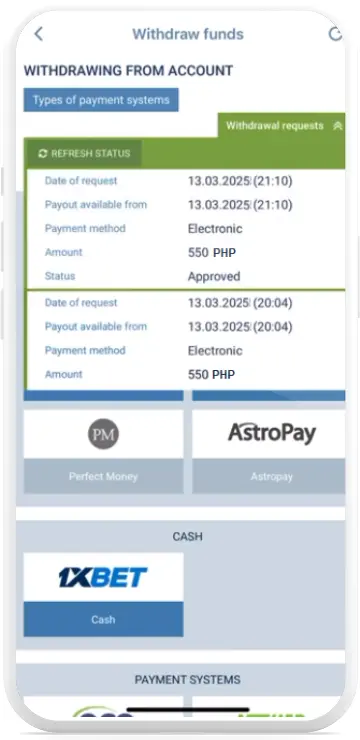
- Track status. Pending (review), Processing (sending), Completed (received) or Declined (details or KYC issue).
Most PH withdrawals take from 15 minutes to 1 hour, GrabPay up to 24 hours. The first one may take longer.
Common App Issues and Fixes
Payment page not loading
Force-close the app, clear its cache (Settings, Apps, 1xBet, Storage), then reopen it. Switch between Wi-Fi and mobile data, or use the mobile website as a temporary workaround.
Wrong method or currency shown
You see USD or no GCash and Maya, often after a VPN or travel. Log out, set the phone language to English (Philippines), allow location for the app and select PHP under Settings, Personal Info, Currency.
Transaction not appearing
Wait 10 minutes and refresh the history. If it is still missing, contact live chat (Menu, Customer Support, Chat) with the date, amount, reference number and a screenshot from GCash.
KYC on Mobile
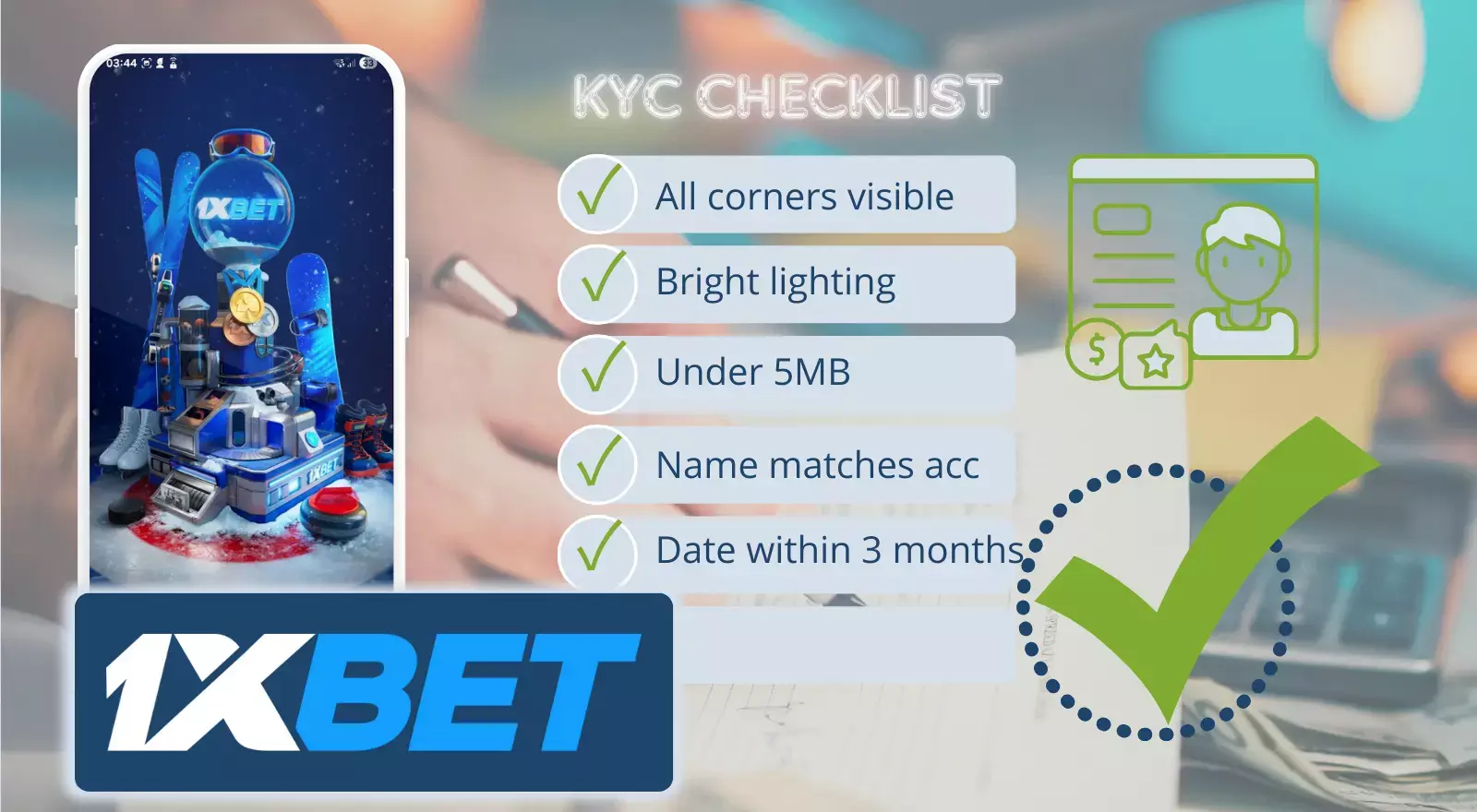
- Tap the Verification Required notice to open Account, Verify Documents.
- Upload a government-issued ID (passport, driver's license or national ID). Show all four corners, use daylight and avoid flash glare. JPG or PNG under 5 MB.
- For proof of address, use a recent utility bill with your name and address, dated within 3 months.
- Your 1xBet account name must match your ID exactly.
PH Methods Comparison
Limits and speed differ by method. Check the cashier for live figures, they can change during promotions or maintenance.
| Method | Deposit speed | Withdrawal speed | Min. deposit | Max deposit | Min. withdrawal | Max withdrawal | Fees |
|---|---|---|---|---|---|---|---|
| GCash | Up to 5 min | 15 min to 1 hour | ₱100 | ₱50,000 | ₱100 | ₱50,000 | No fees in the cashier |
| Maya | Up to 15 min | 15 min to 1 hour | ₱100 | ₱50,000 | ₱100 | ₱50,000 | No fees in the cashier |
| GrabPay | Up to 5 min | 15 min to 24 hours | ₱100 | ₱50,000 | ₱100 | ₱50,000 | No fees in the cashier |
| Palawan Pay | Up to 15 min | 15 min to 1 hour | ₱500 | ₱50,000 | ₱500 | ₱50,000 | No fees in the cashier |
| Bank transfer | Up to 5 min | 15 min to 1 hour | ₱100 | ₱50,000 | ₱100 | ₱50,000 | No fees in the cashier |
| Help2Pay | Up to 15 min | 15 min to 1 hour | ₱100 | ₱1,000,000 | ₱100 | ₱1,000,000 | No fees in the cashier |
| GCash QR | Up to 5 min | 15 min to 1 hour | ₱100 | ₱50,000 | ₱50 | ₱50,000 | No fees in the cashier |
| Fortunepay | Up to 15 min | 15 min to 1 hour | ₱100 | ₱50,000 | ₱100 | ₱50,000 | No fees in the cashier |
| 7-Eleven | Up to 5 min | Deposit only | ₱100 | ₱10,000 | Not available | Not available | No fees in the cashier |
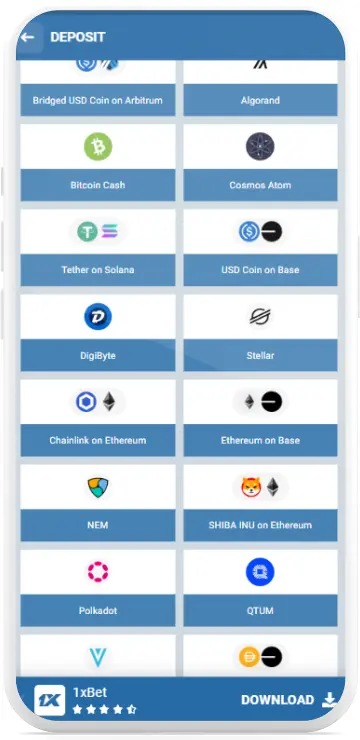
| Crypto (USDT and others) | Instant | About 15 min | See cashier | See cashier | See cashier | See cashier | No 1xBet fee, network fees apply. Bonuses are not available on crypto accounts |

FAQ
Why does my deposit show "Pending" for over an hour?
GCash and Maya deposits should be instant. Pending status beyond 30 minutes usually means 1xBet's payment processor is verifying the transaction. Check your e-wallet: if the money was deducted, screenshot it and contact live chat with your reference number.
Can I deposit using someone else's GCash account?
No. 1xBet's security system automatically flags third-party deposits. The e-wallet account name must match your verified 1xBet account name, or your withdrawal privileges get suspended until you provide proof of ownership.
What's the fastest way to withdraw to GCash?
Complete KYC verification before your first withdrawal. Verified accounts with withdrawal history process in 15 minutes to 1 hour. Unverified accounts face 24-72 hour manual reviews that delay every withdrawal.
Does 1xBet charge withdrawal fees?
No, 1xBet doesn't charge fees for GCash or Maya withdrawals. But your e-wallet provider may apply its own fees, so check them in your wallet app.
Why can't I withdraw my full balance?
Active bonuses lock funds until you meet wagering requirements. You can only withdraw the "Available for Withdrawal" figure shown in your main balance.
Can I change my withdrawal method after submitting?
No. Withdrawals can't be edited or cancelled. If you entered wrong details, wait for it to be declined (usually within 24 hours), then submit a new request with corrected information.
Does 1xBet charge deposit fees?
1xBet itself charges no deposit fees on GCash, Maya and the other PH methods in the cashier. Your e-wallet, bank or crypto network may apply its own charges, so check them before you confirm.
Do I need to verify my account before depositing?
Not always. Verify your phone number and complete your profile first, especially if you want a welcome bonus. ID verification (KYC) is required before your first withdrawal, and the cashier may ask for it earlier.